> ## Documentation Index
> Fetch the complete documentation index at: https://docs.tozzecard.xyz/llms.txt
> Use this file to discover all available pages before exploring further.
# Pay
> Face ID, USD1, and no gas.
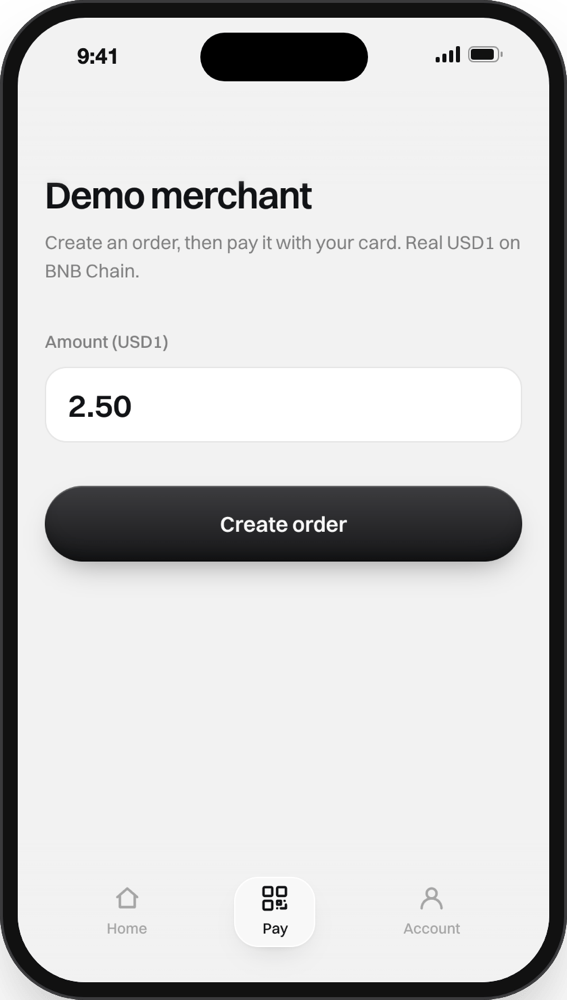
The demo merchant waits for Binance to approve our B402 application, so paying is switched off right now. See [Status](/overview/status).
In the bottom bar, in Card mode. The demo merchant creates an order with a price in USD1.
Your passkey unlocks the card's key on your phone, and the key signs a transfer of exactly that amount to the merchant.
The merchant hands the signed transfer to B402, which sends it on BNB Chain and pays the network fee. The screen says *No BNB used. Binance paid the network fee.* The payment shows in your History.
To pay from another phone, scan the merchant's QR code from it.
## What you sign
One transfer of USD1, for one amount, to one address, valid once. Signing it can't move anything else from your card. Under the hood it is an EIP-3009 `transferWithAuthorization`; see [Payments](/developers/payments).
This documentation is built and hosted on [Mintlify](https://mintlify.com), a developer documentation platform.