> ## Documentation Index
> Fetch the complete documentation index at: https://docs.tozzecard.xyz/llms.txt
> Use this file to discover all available pages before exploring further.
# Set your strategy
> Connect the agent, lock it to your card, and pick your split.
## Connect the agent
The agent works from **your own Binance Agentic Wallet**, inside the Binance App.
The agent's sign-in shows a QR code. Scan it and confirm in the Binance App. A session lasts up to 48 hours; after that, the agent asks you to confirm again.
In the Binance App, open your wallet settings and add **your card address** to the address book. Add nothing else.
In Agentic Wallet settings, keep Developer Mode **off**. While it is on, the wallet can make contract calls that skip the address book, so the agent refuses to run.
Also in Agentic Wallet settings. It caps how much the agent can send in a day.
The address book is what makes this safe: the Agentic Wallet refuses to send anywhere not in it, and the list can only be changed in the Binance App, not by the agent.
## Pick your split
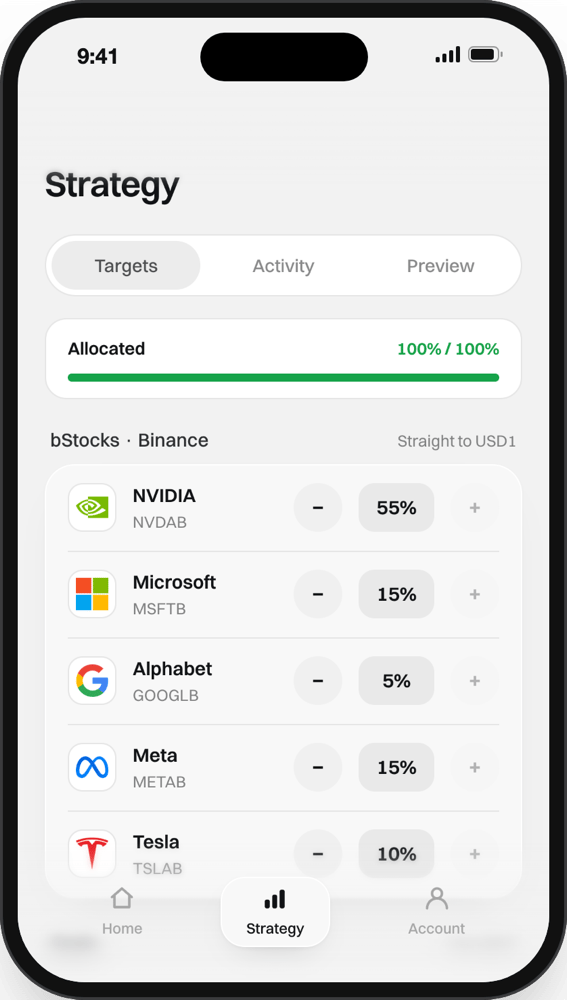
Open **Strategy → Targets**.
1. Use **−** and **+** to move a stock in steps of 5%, or tap the number to type it.
2. The **Allocated** bar shows the total. It must reach exactly **100%**; the app won't let you go over.
3. Set **Weekly spend**: roughly what you spend in a week. The agent uses it until it has learned your real spending.
4. Tap **Save**.
Only the card the agent refills can change the strategy.
## Watch what it does
| Tab | Shows |
| - | - |
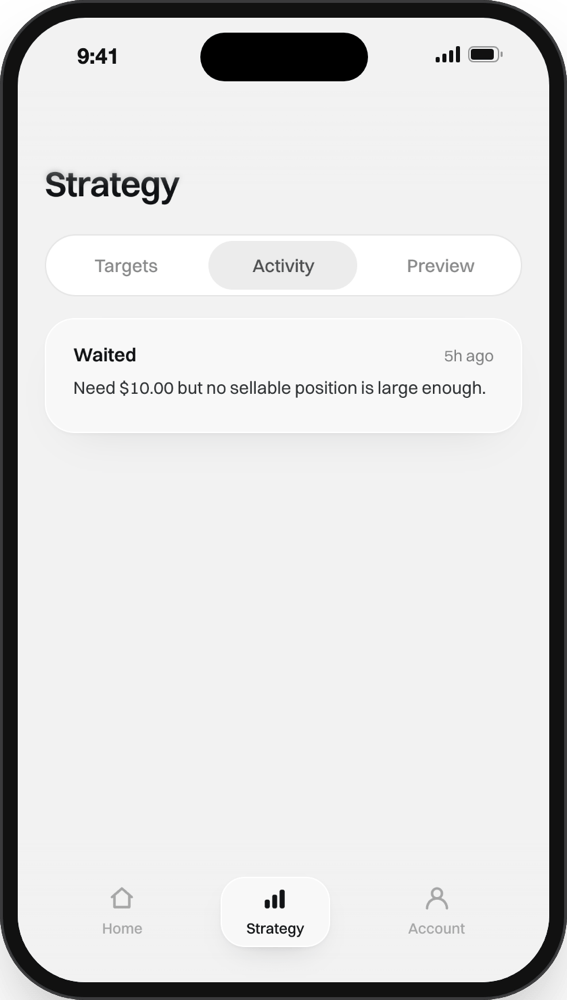
| **Activity** | Every decision the agent made, with its reason |
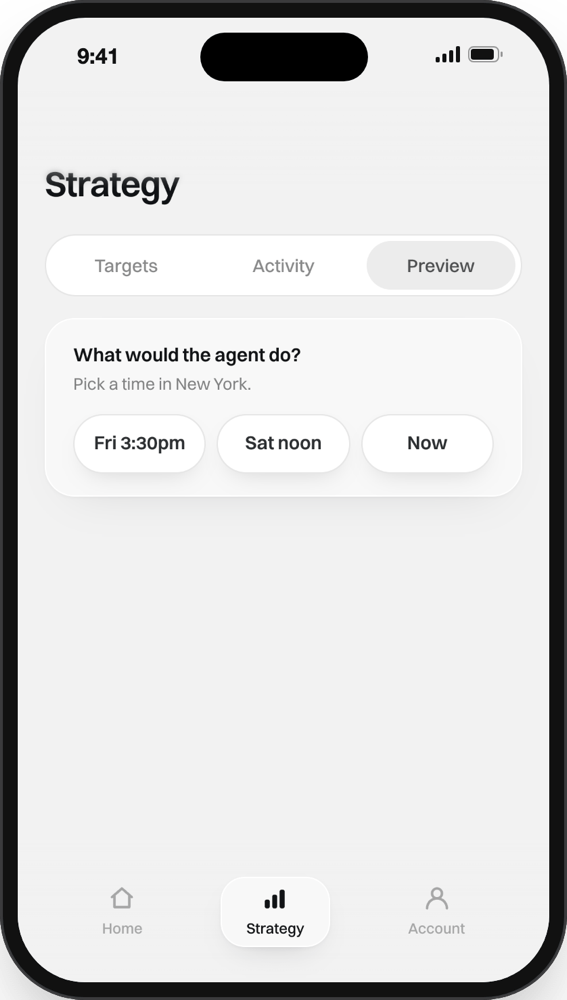
| **Preview** | Pick a time in New York and see what the agent would do then. Nothing is traded |
On Home, the **Card | Agent** switch shows the agent wallet: the stocks it holds and how they compare to your targets.
This documentation is built and hosted on [Mintlify](https://mintlify.com), a developer documentation platform.