

1
Open the app on your phone
Go to app.tozzecard.xyz. On a computer, the app shows a QR code to open it on your phone.
2
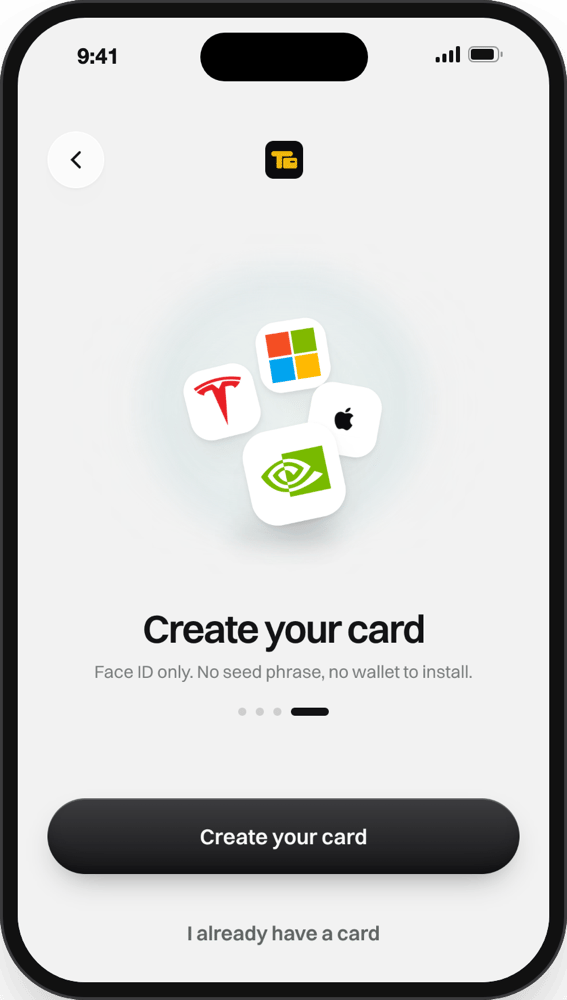
Tap Create your card
Your phone asks to save a passkey for Tozzecard. Confirm with Face ID, Touch ID or your fingerprint.
3
That's it
The passkey makes your card’s key on your device, and the card’s address is ready. Some devices ask a second time the first time round.
Signing in again
Tap I already have a card and pick your Tozzecard passkey. The same passkey always opens the same card.If the passkey fails
Next: activate your card
An ID photo and a selfie, about a minute.